
Ziki's quick guide
What is an eSIM, and how does it make mobile data abroad easier?
Everything you need to know before traveling: installation, compatibility, benefits and practical tips.
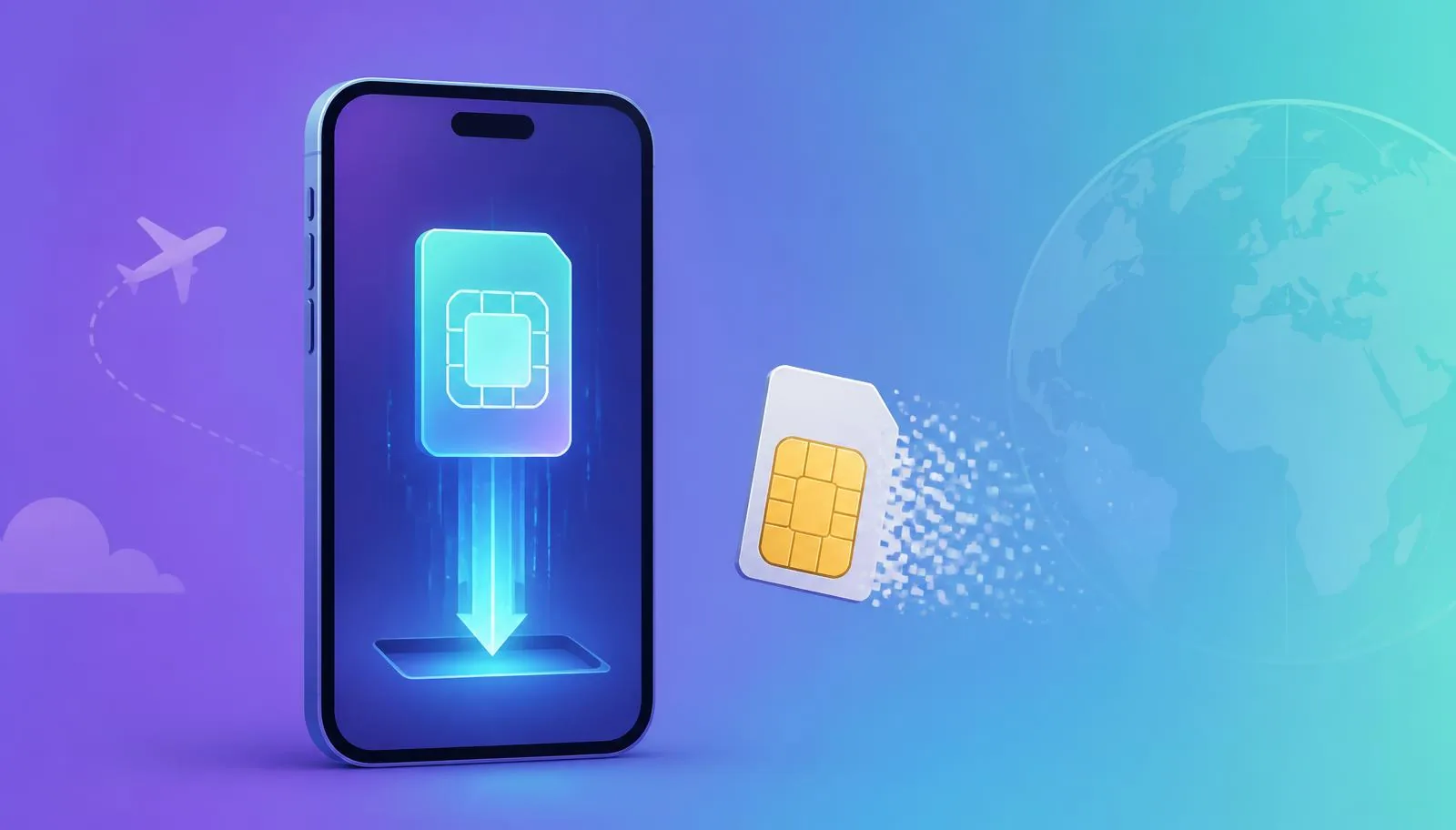
Mobile data abroad once meant finding a shop, swapping a tiny card and keeping your home SIM safe. An eSIM handles the same job digitally, often in minutes.
An eSIM is a digital SIM built into your device. Instead of inserting a plastic card, you download a supported mobile-network profile.
In short: an eSIM does not provide free internet. It replaces the physical SIM card, while you still purchase a suitable data plan.
Why is an eSIM especially useful abroad?
You can buy and install a travel plan before departure, then connect at your destination without waiting at an airport kiosk or removing your home SIM.
Main benefits
- Quick setup: usually by QR code, link, app or manual entry.
- Keep your home SIM: there is no physical card to remove.
- Prepare in advance: download the plan over stable Wi-Fi.
- Switch between destinations: supported phones can store several profiles.
- Control costs: a prepaid plan avoids unexpected roaming charges.
How do you install an eSIM?
- Check compatibility. Confirm that your phone supports eSIM and is carrier-unlocked using our device checker.
- Choose a plan. Check coverage, data, validity and activation timing.
- Install over Wi-Fi. Scan the QR code or follow the supplied link.
- Label the line. Use clear names such as Home and Travel.
- Select the data line. Choose the travel eSIM and follow its roaming instructions.
What should you check before buying?
- Device support: region and carrier variants can affect compatibility.
- Carrier unlock: a locked phone may reject another network profile.
- Plan type: many travel plans provide data only, without a number, calls or SMS.
- Validity start: some plans begin on installation, others on first network connection.
- Coverage: check the local networks and places you plan to visit.
- Hotspot: confirm tethering is included if you need it.
Avoid roaming surprises: set the travel eSIM as your data line and disable data roaming on your home line unless you deliberately use its roaming plan.
Can I keep WhatsApp and my home number?
Usually yes. WhatsApp stays linked to the number used to register it, while the eSIM provides internet like any other data connection.
Common eSIM questions
Does an eSIM replace a physical SIM?
It can, but many devices support both simultaneously, so you can keep your usual line and add a travel plan.
Do I need internet to install it?
Yes, downloading the profile generally needs internet. Installing at home over reliable Wi-Fi is easiest.
Can I transfer it to a new phone?
Sometimes. Transfer support depends on the phone and operator; otherwise, request a new activation from the provider.
What if I delete it?
The plan may remain active, but its installation code may not be reusable. Do not delete an active profile while troubleshooting without checking first.
The bottom line
An eSIM is simply a SIM without the plastic card. It is ideal for travelers who want data ready on arrival while keeping their usual line in the phone.
Sources and review: this guide was checked against GSMA, Apple Support, Google Pixel Help and Samsung Support documentation. Support varies by model, country and carrier.